Create Your eBay Seller Account Step-by-Step Guide
Easily create a seller account on eBay with our comprehensive guide. Learn step-by-step how to list your first item and start selling today!
Calculate Your eBay Selling Fees
Our free eBay Fee Calculator automatically calculates final value fees, promoted listing fees, international fees, regulatory fees, store subscription discounts, and different category-specific fee structures. See your estimated eBay fees, profit, and profit margin in seconds before you list.
Open Free eBay CalculatorHow to Create an eBay Seller Account: A Step-by-Step Guide to Account Setup and Fee Math
Creating an eBay seller account is the foundational step for anyone looking to sell on the platform, whether as a casual side hustle or a serious resale business. The process itself is straightforward—requiring identity verification, bank account linkage, and profile setup—but the accounts that actually turn a profit are those where the seller understood their real costs before listing, not after. This guide provides a structured walkthrough of the entire setup process, from registration to fee calculation, with a focus on the financial and operational decisions that determine long-term success.
Key Takeaways
- Complete identity verification fully and promptly. eBay blocks listing and payouts until verification is finalized. This step is non-negotiable and should be your top priority after account creation.
- Link a reliable bank account for payouts. eBay Managed Payments requires a checking account for deposits. PayPal is no longer the default payout method, so ensure your bank account is properly linked and verified.
- Start as an individual seller. The free tier provides 250 listings per month with no monthly fee. Upgrade to an eBay Store only when your volume justifies the subscription cost.
- Calculate your real profit before listing. eBay's fee preview shows what you owe, but not your net margin. Use a fee calculator to determine whether a price leaves you with a worthwhile profit after all costs.
- Build your reputation through fast shipping and honest descriptions. A positive feedback history is one of your most valuable assets as a seller. Treat your first sales as the foundation for your seller reputation.
- Avoid the common mistakes. Skip identity verification, use generic profile photos, underestimate shipping, ignore seller metrics, or price without calculating fees, and your profitability will suffer. Address each of these systematically to build a sustainable selling operation.
1. Pre-Setup Requirements: What You Need Before You Start
An eBay seller account is a verified profile that allows you to list items, accept payments through eBay Managed Payments, and receive payouts directly to a bank account. Before beginning the setup process, gather the following required items:
- A valid email address that you check regularly
- A government-issued identification document, such as a driver's license or passport
- A bank account for payouts, including routing and account numbers
- A credit or debit card as a backup payment method for fees
Important Note on PayPal: eBay no longer uses PayPal as its default payment processor. Under eBay Managed Payments, buyer payments go directly to your linked bank account after eBay deducts its fees. You do not need a PayPal account to sell on eBay, though you can still offer it as a buyer payment option.
Existing Account Strategy: If you already have an eBay account for buying, convert it into a selling account rather than starting fresh. An account with existing positive feedback builds buyer trust faster than a brand-new profile with no transaction history. Established accounts also benefit from the platform's trust signals, which can improve conversion rates on first listings.
2. Age and Eligibility Requirements
You must be at least 18 years old to create an eBay seller account. The platform also requires identity verification for all sellers to comply with anti-fraud regulations and tax reporting requirements. Verifying your identity is not optional—eBay blocks listing and payouts until verification is complete, and some users report payouts being withheld for weeks or even months when verification is incomplete, as the funds remain in eBay's custody until the verification process is finalized.
Eligibility by Entity Type: Individuals can sell personal items without a business license. If you scale into a full-time business, you may need to register locally depending on your jurisdiction. eBay itself does not require a business license for individual sellers, but tax and regulatory requirements vary by location.
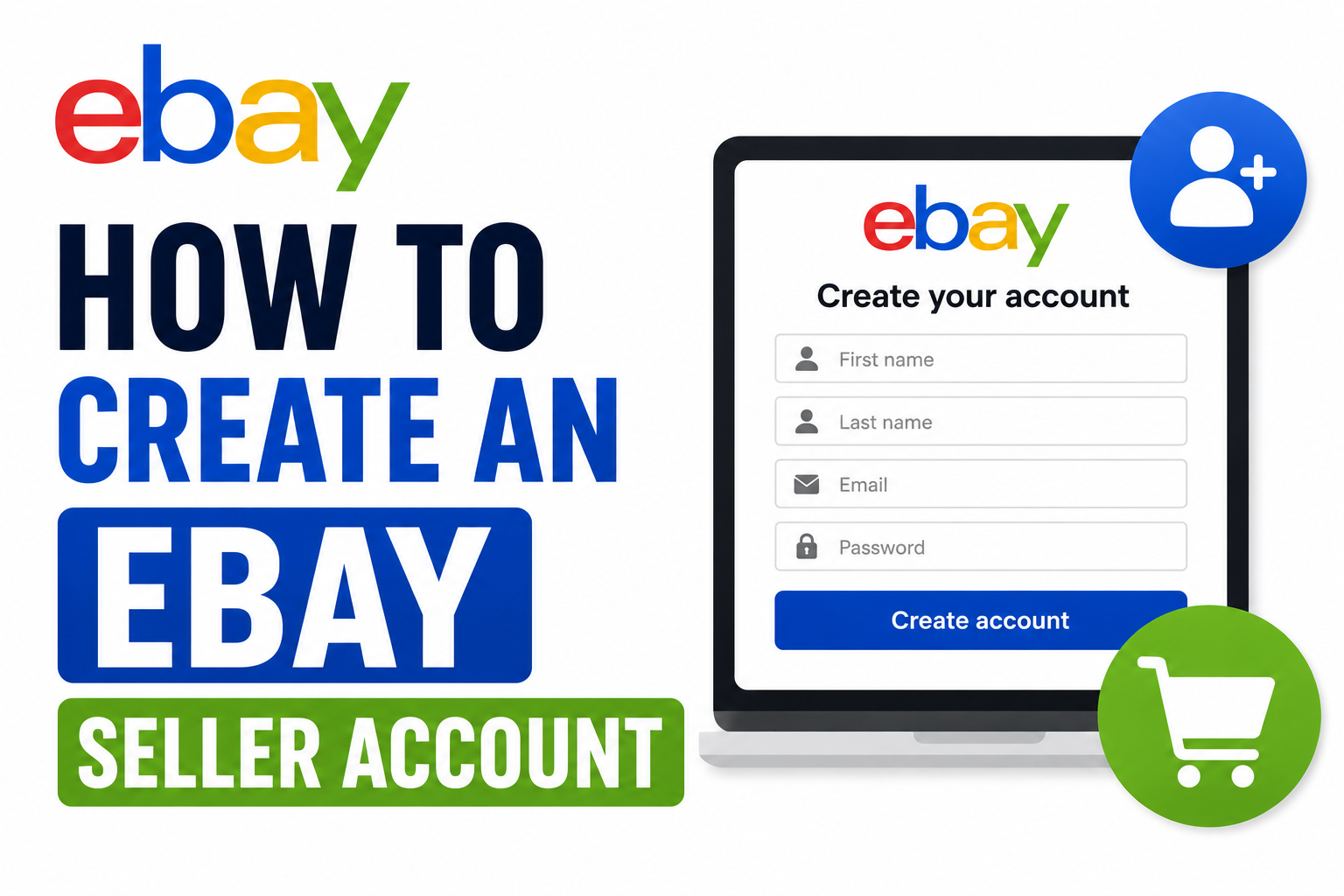
3. Account Creation: The 8-Step Setup Process
Step 1: Sign Up or Log In
Navigate to eBay.com and click Register if you are new to the platform, or sign in if you already have an existing account. Go to My eBay in the top right corner and select Selling—eBay will detect that selling is inactive and launch the setup flow. Clicking List an Item from the homepage triggers the same process. This initial step takes less than a minute but initiates the full verification workflow.
Step 2: Identity Verification
eBay verifies every seller to prevent fraud and comply with tax regulations. You will provide your full legal name, date of birth, physical address, and the last four digits of your Social Security number if you are in the United States, or a national tax ID if you are outside the U.S. In some cases, eBay also requires a photo of your ID plus a real-time selfie for face matching.
Processing Time: Identity verification typically completes in minutes. However, if eBay's automated systems flag your submission for manual review, approval can take 24 to 48 hours. Plan accordingly if you have a time-sensitive listing in mind.
Consequences of Incomplete Verification: Until identity verification is complete, eBay restricts your ability to list items or receive payouts. This means your account is effectively non-functional for selling purposes. Complete this step thoroughly and promptly to avoid delays.
Step 3: Link Your Bank Account and Payment Method
Enter your checking account's routing number and account number. eBay may send two small micro-deposits to verify the account—these typically appear within one to three business days, after which you confirm the exact amounts on eBay to complete verification.
Backup Payment Method: You also need a valid credit or debit card on file as a backup. eBay charges this card only if your fees exceed your available payout balance, but the card must be added before you can publish a listing. This serves as a guarantee for eBay that they can collect fees even if your payout balance is insufficient.
Step 4: Set Up Your Seller Profile
Your seller profile is what buyers see when they click your username. Upload a clear photo or logo, write a short bio describing what you sell, and set your default return policy and handling time. A complete profile builds trust and improves conversion rates.
Profile Best Practices: Buyers trust real faces and logos over stock icons. A generic avatar or empty profile signals a less serious seller, which can reduce buyer confidence and suppress bids or purchases. Invest a few minutes in creating a professional-looking profile.
Seller Level Selection: This is also where you choose your seller level. Most beginners select Individual Seller, which carries no monthly fee and includes 250 free listings per month. If you plan to exceed that volume, you can upgrade to an eBay Store subscription later for higher limits and fee discounts. Start as an individual seller and upgrade only once you consistently hit the 250-listing cap or need the advanced tools a Store subscription unlocks.
Step 5: Choose Your Payout Schedule
eBay defaults to daily payouts, sending your available balance to your bank every business day. You can switch to weekly, biweekly, or monthly in Seller Hub settings.
New Seller Holds: New sellers should expect a short funds hold after their first few sales—this is a standard fraud-prevention measure. Once you build a track record of on-time deliveries with confirmed tracking, payouts typically settle within two business days of the buyer's payment clearing. The hold period is generally around three to five sales or up to 21 days, depending on the buyer's payment method.
Step 6: List Your First Item
Click Sell at the top of any eBay page to begin creating your first listing. Each listing requires several components:
- Clear, well-lit photographs showing the item from multiple angles
- An accurate, keyword-rich title that includes what the item is, its brand, model, and key features
- A detailed description covering condition, size, flaws, brand, and any other relevant details
- A price, whether fixed price or auction format
- Shipping options and cost
- Your return policy
Category Selection: eBay auto-suggests a category based on your title. Review this carefully, since final value fees vary by category. Choosing the correct category also improves search visibility and ensures your item reaches the right buyers.
Item Specifics: Fill in all item specifics to improve search visibility and algorithmic ranking. The more complete your listing data, the more likely eBay's search engine is to surface your item to relevant buyers.
Handling Time: Set your handling time honestly. Late shipments hurt your seller metrics, which can trigger fee surcharges and reduce search ranking. Underpromising and overdelivering on shipping speed is a better strategy than overpromising and failing to meet expectations.
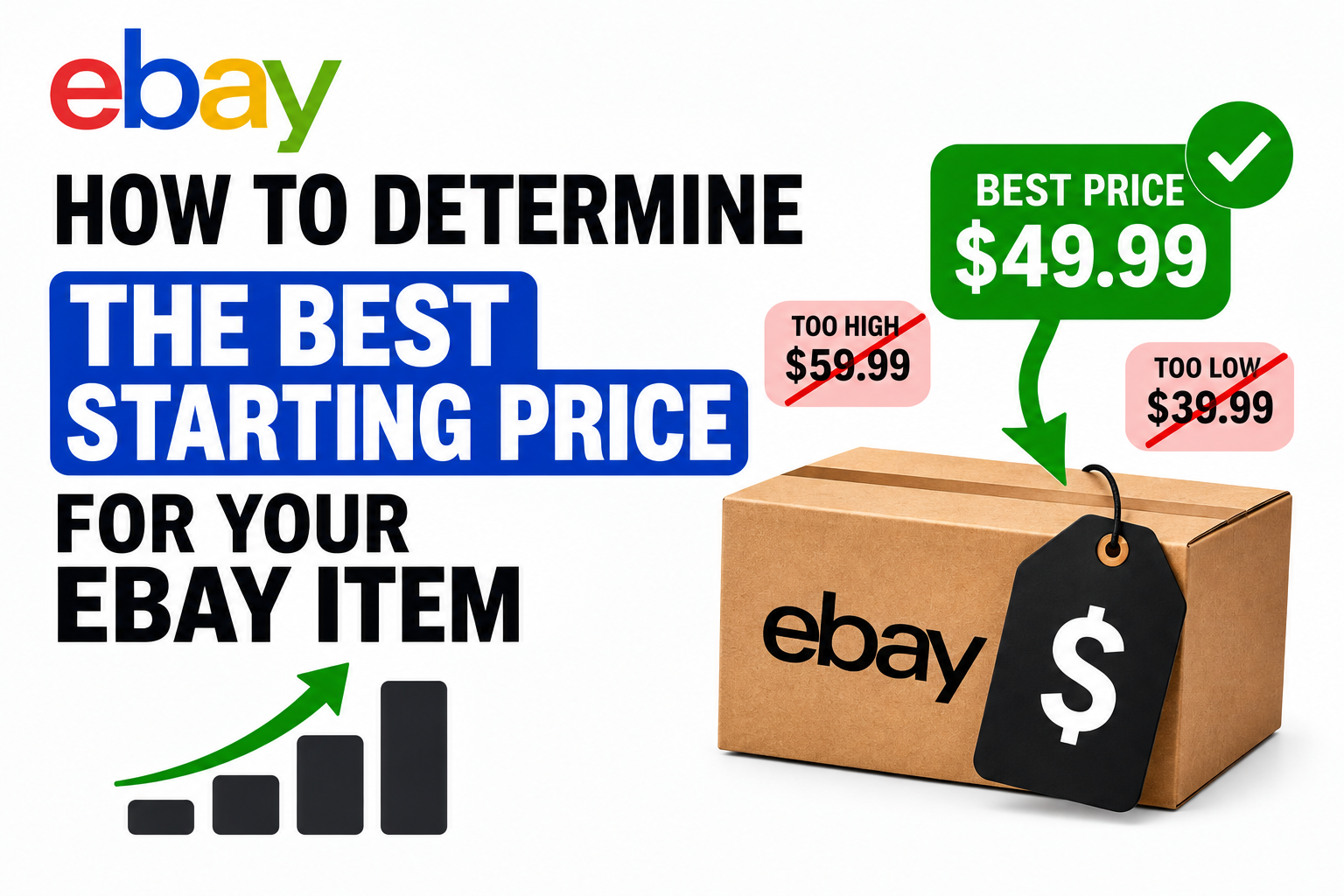
Step 7: Calculate Your Real Profit Before You Publish
eBay's fee preview shows what you will owe in fees, but it does not show your net profit. As an individual seller, your insertion fee is typically $0 for the first 250 listings per month. Your main cost is the final value fee—approximately 13.6% of the total sale amount, which includes item price plus shipping, plus a $0.40 per-order fee on orders over $10.
The Profit Calculation Formula:
To determine whether a listing is worth your time, work backward from your target profit. Your list price needs to cover:
- Your item cost (what you paid to acquire the item)
- Shipping cost (what it will cost you to ship to the buyer)
- eBay's final value fee (approximately 13.6% of item price plus shipping)
- The $0.40 per-order fee
- Your desired profit margin
Fee Calculation Tool: A free eBay fee calculator allows you to plug in these numbers and see your exact take-home profit before you list, so you are not guessing at whether a price is actually worth it. Using a calculator is particularly important for low-margin items where fees can consume a significant portion of the sale price.
Step 8: Ship Promptly and Build Your Reputation
Once an item sells, eBay notifies you and logs the sale in Seller Hub. Buy your shipping label through eBay Labels for discounted USPS, FedEx, and UPS rates. Pack the item well and ship within your stated handling time with tracking attached.
Feedback and Reputation: After delivery, eBay prompts the buyer to leave feedback. Fast shipping, honest descriptions, and quick responses to questions build the trust that drives your first sales—and your search visibility going forward. A positive feedback history is one of the most valuable assets an eBay seller can accumulate.
4. Individual Seller vs. eBay Store: Subscription Comparison
eBay offers two main account tiers for sellers: the free Individual Seller account and the paid eBay Store subscription. Understanding the differences is essential for choosing the right structure for your selling volume.
The Individual Seller account carries no monthly fee and provides 250 free listings per month, with standard final value fee rates. This tier is best suited for beginners and casual sellers who are not consistently hitting the listing cap. It includes basic selling tools and no access to advanced features like Promotions Manager or Terapeak research.
The eBay Store subscription, by contrast, carries a monthly fee ranging from $4.95 to $299.95 depending on the tier, with free listings ranging from 2,500 to 100,000 per month. Final value fees are slightly discounted in most categories, and the subscription unlocks advanced tools including Promotions Manager for running sales and promotions, Terapeak research for market analysis, and custom branding options. This tier is best suited for high-volume sellers and businesses where the monthly subscription cost is offset by fee savings and increased listing capacity.
Upgrade Strategy: Start as an individual seller. Upgrade to a Store subscription only once you consistently hit the 250-listing cap or need the advanced tools a Store subscription unlocks. For most casual sellers, the free Individual Seller account is sufficient and more cost-effective.
5. Common Mistakes New Sellers Make
Several recurring errors consistently undermine new seller success. Recognizing and avoiding these pitfalls is essential for building a profitable selling operation.
Skipping identity verification: eBay blocks listing and payouts until verification is complete. Complete this step fully and promptly to avoid delays.
Using a generic profile photo: Buyers trust real faces and logos over stock icons. A generic avatar signals a less serious seller and can reduce conversion rates.
Underestimating shipping costs: Use eBay's shipping calculator or build a fair average into your price. Failing to account for shipping expenses is one of the most common reasons new sellers lose money on sales.
Ignoring seller metrics: Your defect rate, late shipment rate, and case resolution time affect search rank and can trigger fee surcharges. Monitor these metrics regularly and address issues promptly.
Pricing without calculating fees: A price that feels right by instinct often erases your margin once eBay's cut is deducted. Always run the fee calculation before listing.
FAQ:
How long does it take to create an eBay seller account?
Most sellers complete setup in 15 to 30 minutes. If identity verification triggers a manual review, approval can take 24 to 48 hours. Bank account verification via micro-deposits can add one to three business days if you are not able to verify instantly.
Can I sell on eBay without a bank account?
No. eBay Managed Payments requires a linked checking account to deposit your earnings. PayPal is no longer the default payout method, so a bank account is mandatory for receiving funds.
Do I need a business license to sell on eBay?
No. Individuals can sell personal items without a business license. If you scale into a full-time business, you may need to register locally depending on your jurisdiction. eBay itself does not require a business license for individual sellers.
Can I have multiple eBay seller accounts?
Yes, but each account needs a unique email address and payment method, and all accounts must remain in good standing. Having multiple accounts is permitted as long as you are not using them to circumvent eBay policies or restrictions.
How should I price items to cover eBay fees and shipping?
Work backward from your desired net profit: add your item cost, shipping, eBay's final value fee (typically 13.6% of the total sale amount), and the $0.40 per-order fee. A free eBay fee calculator helps you test prices and see your exact profit per sale before you list.
Why are my first payouts delayed?
eBay holds funds for new sellers as a fraud-prevention measure. After your first successful deliveries with confirmed tracking, payouts usually release within two business days of the buyer's payment clearing. The hold typically lasts for approximately three to five sales or up to 21 days.
What's the difference between an individual seller and an eBay Store?
An individual seller pays no monthly fee and gets 250 free listings per month. An eBay Store is a paid monthly subscription with higher listing limits, potential fee discounts, and advanced selling tools. Start as an individual seller and upgrade only when your volume justifies the subscription cost.
What happens if I don't complete identity or bank verification?
eBay restricts your ability to list items or receive payouts until verification is complete. This includes ID checks, SSN or tax ID confirmation, and a linked, verified bank account. Until verification is finalized, your account is effectively non-functional for selling.
eFee Editorial Team
The eFee Editorial Team publishes research-driven content to help eBay sellers better understand marketplace fees, pricing strategies, shipping costs and profitability. Our articles are regularly updated to reflect the latest eBay fee structures and seller best practices.
Reviewed periodically to reflect the latest eBay marketplace fee updates.
Was this article helpful?
Your feedback helps us improve future articles.